Five steps, one rule
A machine or a person prepares the document. A named person approves the exact draft. Only the signer signs. Then the file is sealed, and anyone can check it later. The server enforces each step, so no prompt, script or shortcut can skip one.
1. Prepare
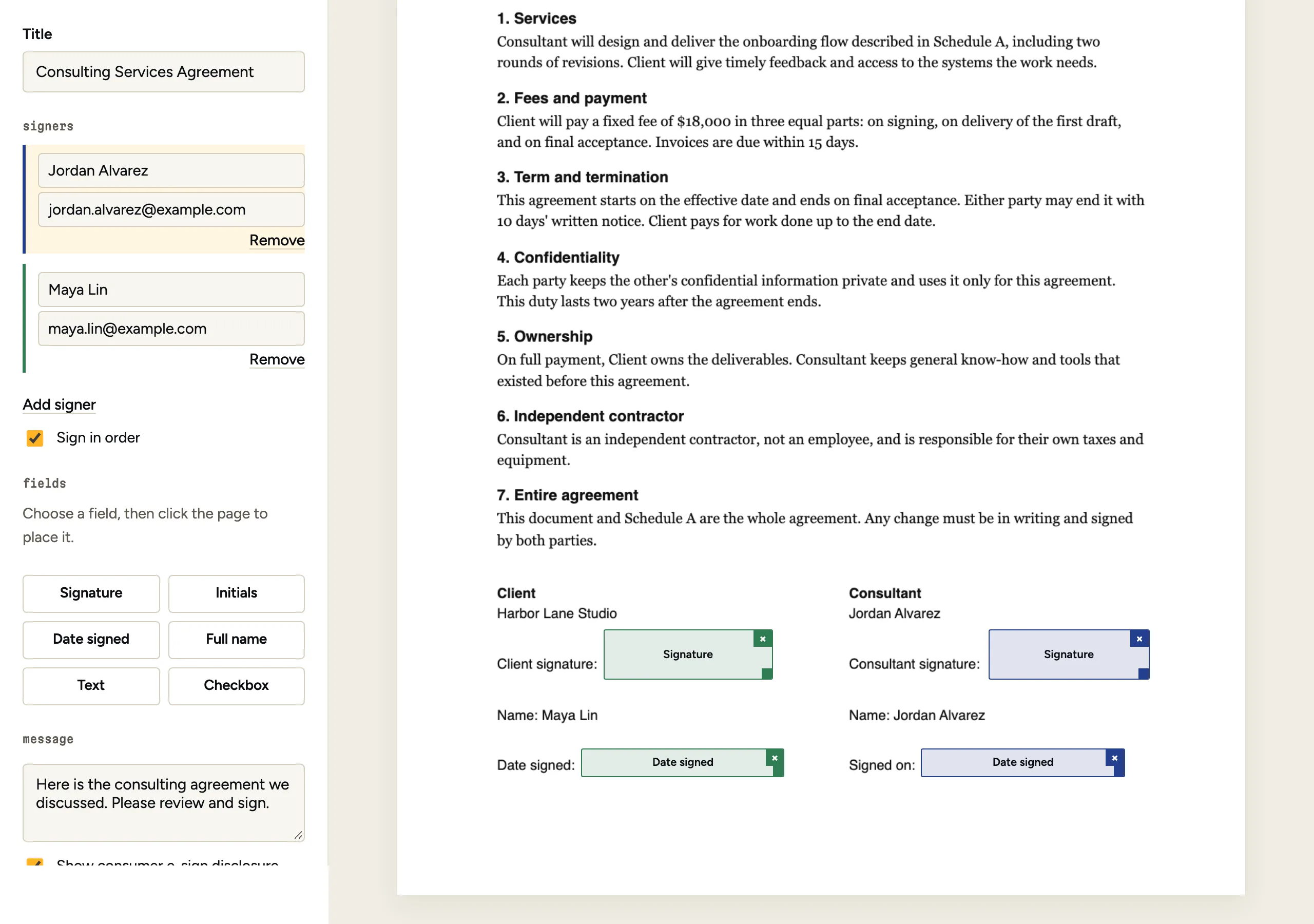
Someone uploads a PDF in the web app, or a program sends one to the API. Then the fields go on: signature, initials, date, name, text and checkboxes, each tied to one signer.
From the API you can place fields three ways: by anchor text such as "Signature:", by tags like {{signature:1}} written in the PDF, or by coordinates. With none, fields go on the document's own Signature, Date and Name lines, one signer per signature line. Uploads in the app get the same fields placed for you to check.
The result is a draft with a draft_hash. The hash covers the PDF bytes, the signers, the fields and the message. Change any of them and the hash changes.
2. Approve
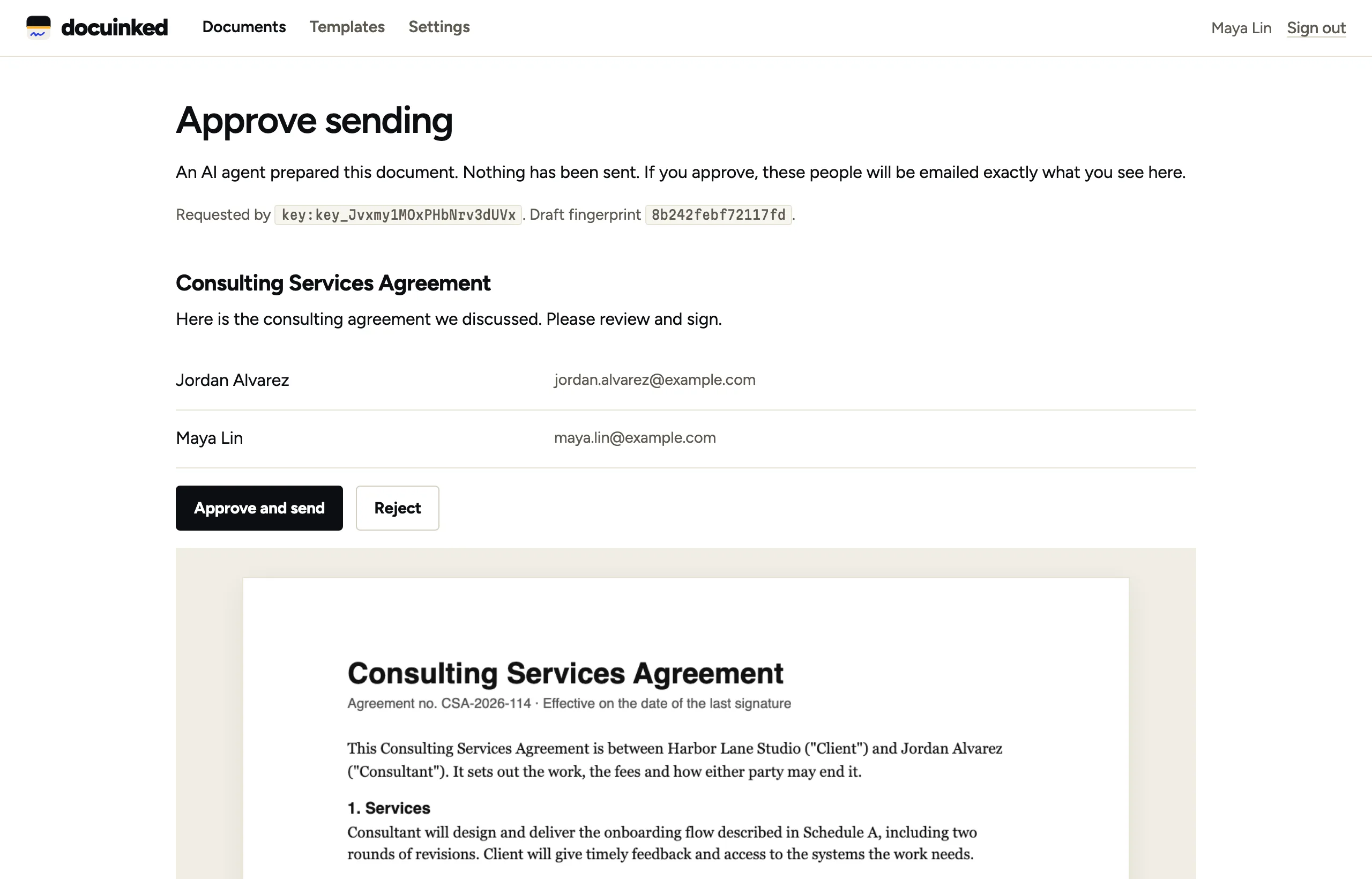
If an agent asked to send, nothing goes out yet. The call returns an approval_url, and the account owner gets an email.
A person signs in and sees the draft exactly as the server holds it: the title, the message, every signer and every page. They approve, and it sends. Or they reject, and it goes back to being a draft.
The approval is tied to the hash. If anyone changed the draft after asking, the approval is refused. There is no approve call in the API, so no key can approve its own request.
3. Sign
The signer opens the link from their email on any phone or computer. They don't need an account or an app.
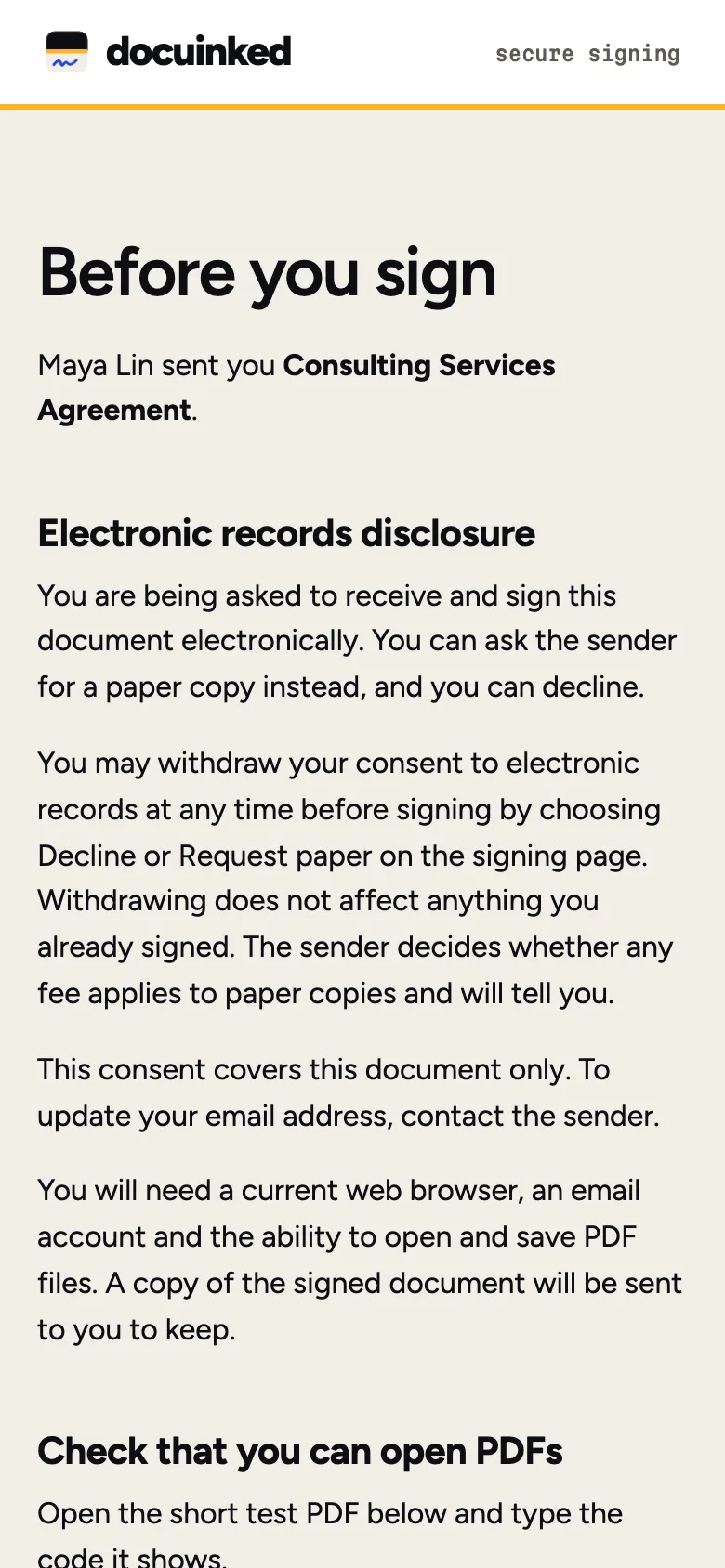
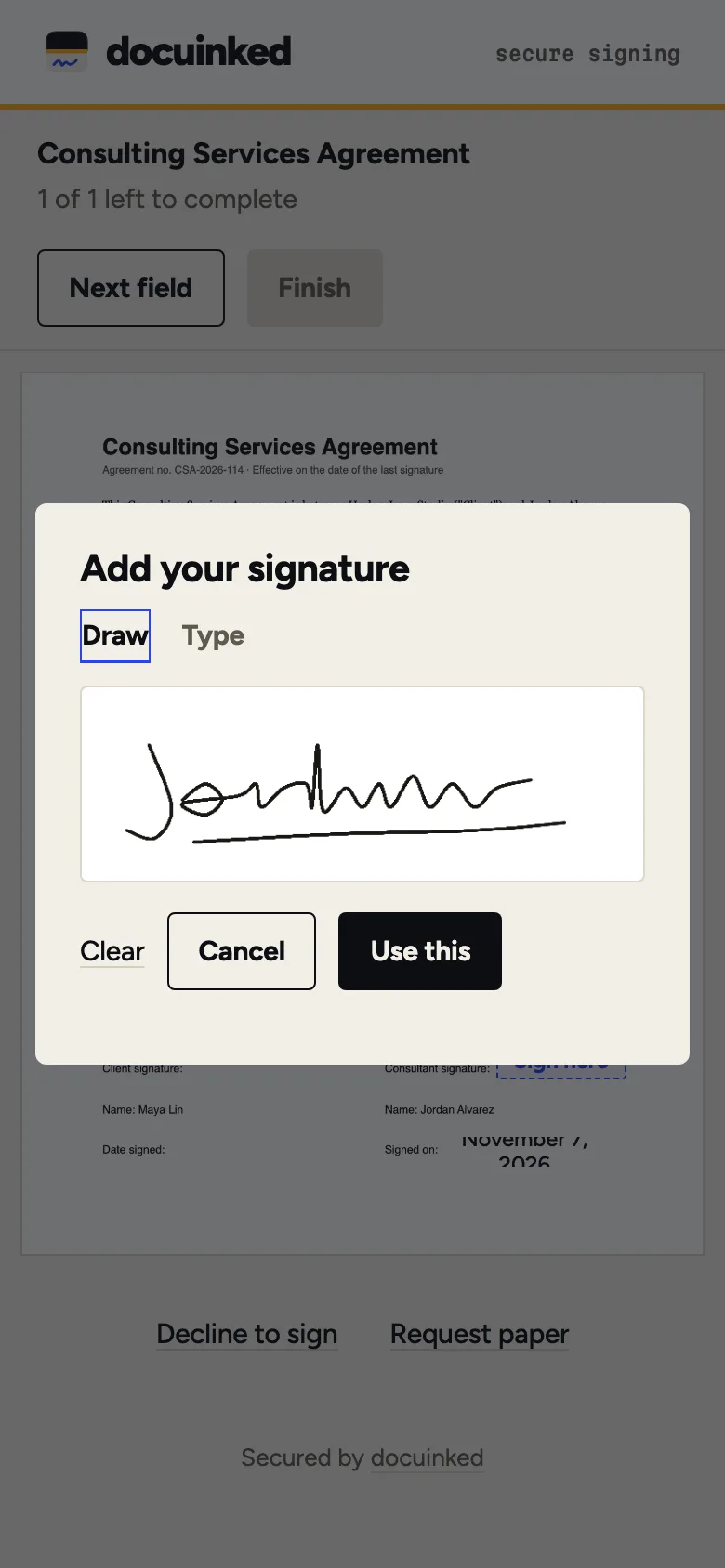
First they see the consumer disclosure and agree to sign electronically. They can decline, or ask for paper instead. Then they review the document, tap each field, draw or type their signature, and confirm.
If the sender set an access code, the signer types it before anything opens. Signing is single use: a second click or a replayed request finds nothing to sign.
4. Seal
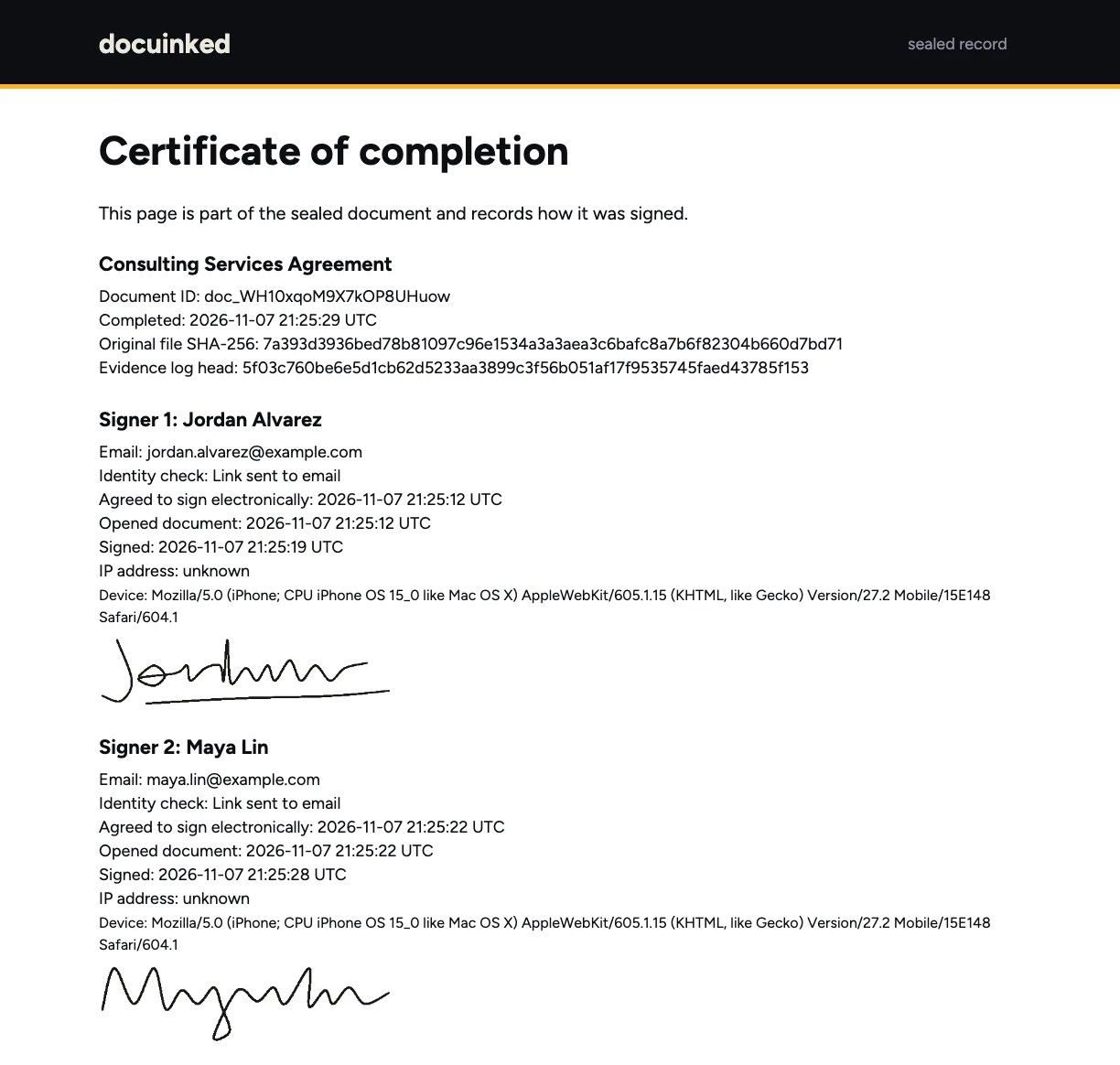
When the last person signs, the fields and a certificate page are stamped into the PDF. The file then gets a PAdES digital seal and a timestamp from an outside authority under RFC 3161.
The certificate page records, for each signer, when they agreed to sign electronically, when they opened the document, when they signed, and the device they used. Any later change to the file breaks the seal.
Every party gets the sealed copy by email.
5. Prove
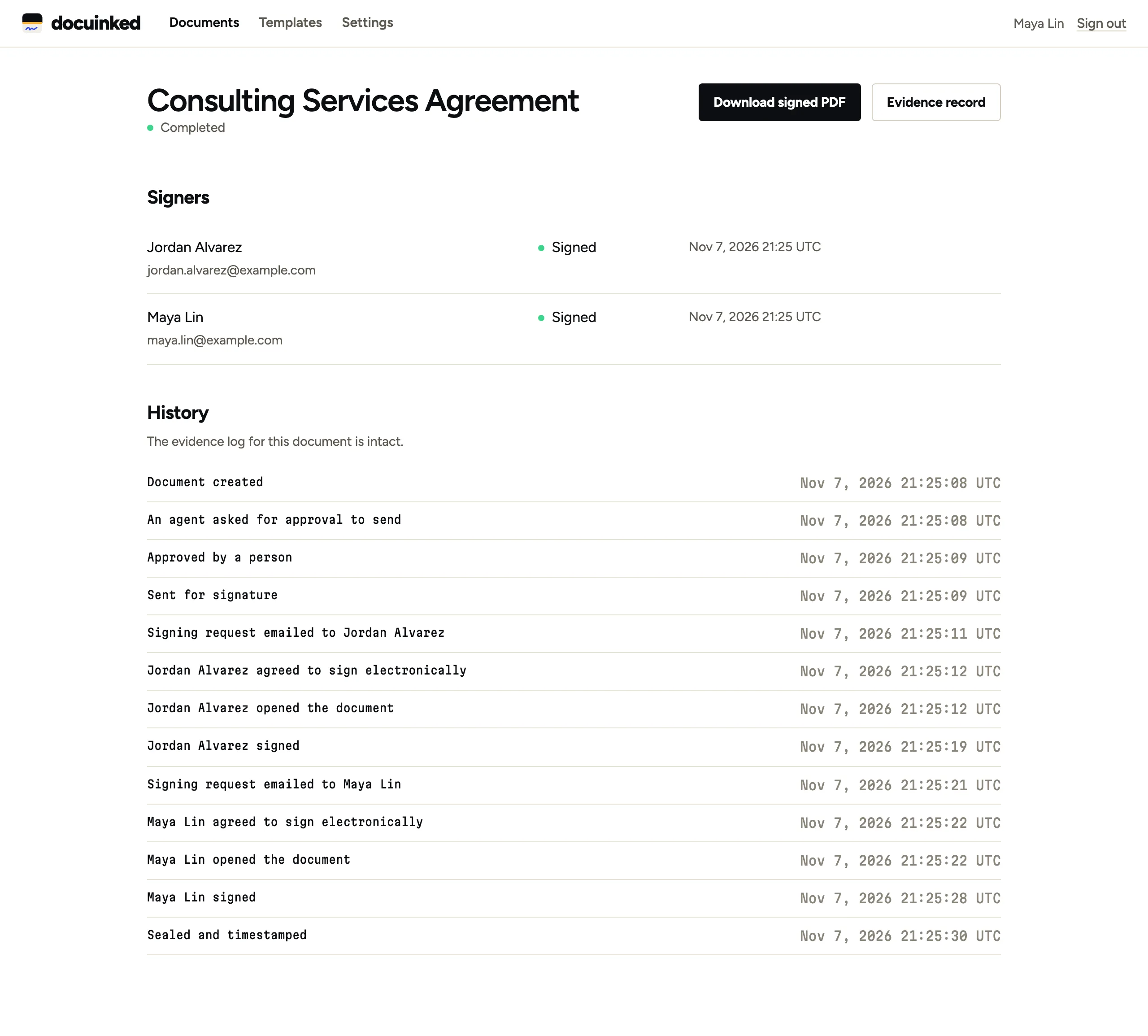
Every step above went into a hash-chained log as it happened: created, approval asked, approved, sent, each consent, each view, each signature, and the seal. The database refuses edits to that log.
The document page shows that history and says whether the chain is intact. You can export the full evidence record as JSON with get_evidence, and anyone can drop the PDF into the free checker to see whether we sealed that exact file.